
If you want stronger account protection, learning how to activate 2fa on r6 marketplace through Ubisoft Connect is the smartest first move, and this guide explains every step for United States players, plainly and safely. Start here. Stay calm today.
Two-factor authentication, often shortened to 2FA, is a simple idea with a powerful effect. Normally, your password alone opens your account. With 2FA turned on, signing in needs two things: something you know, your password, and something you have, usually a temporary code from an authenticator app, your email, or your phone. Even if someone somehow learns your password, they still cannot get in without that second factor. For a marketplace account holding skins and balance you care about, that extra layer is not optional luxury. It is basic protection, and setting it up before you trade is one of the smartest decisions any United States player can make.
This guide explains 2FA in the context of the R6 Marketplace, which uses your Ubisoft account and Ubisoft Connect. You do not activate 2FA inside a separate marketplace app. You secure the Ubisoft account behind it, and that protection then covers your marketplace activity too. Follow the steps in order, test that everything works, and keep your recovery options safe. The whole process takes only a few minutes, and this guide will help you avoid the small mistakes that cause the most frustration.
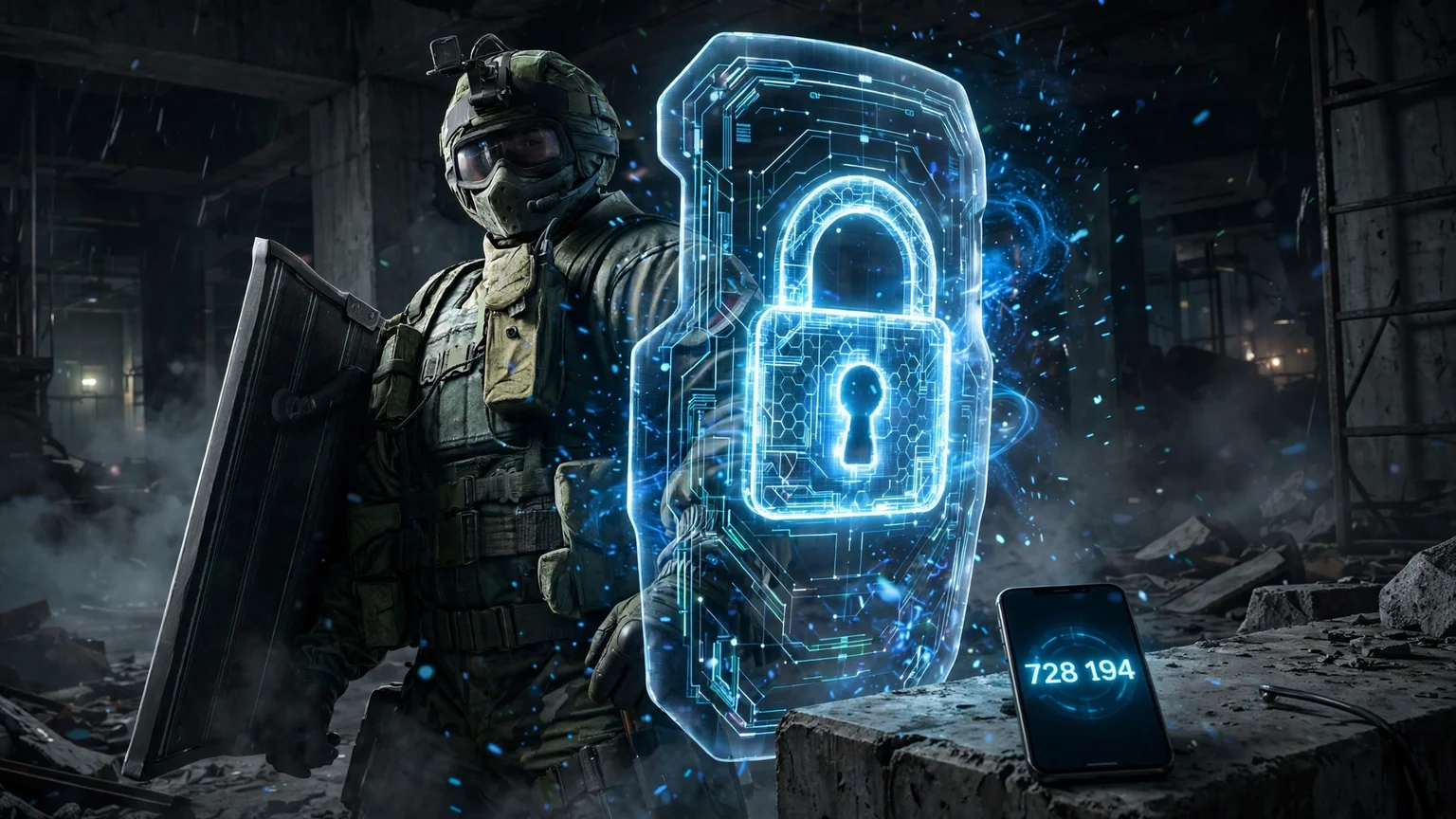
What 2FA Is, and Why Marketplace Traders Need It
Imagine your password as a house key. If someone copies that key, they can walk straight in. Two-factor authentication adds a second lock that changes its code every short while, and only your trusted device knows the current code. A stolen password alone is no longer enough. That matters enormously for traders, because marketplace accounts are attractive targets. Skins have value to other players, balances can be spent quickly, and a compromised account can lose months or years of collecting in a single bad evening.
Phishing is the most common way passwords are stolen. A fake login page, a convincing message, or a malicious link tricks a player into typing their password where an attacker can read it. With 2FA on, that stolen password still fails at the second step, giving you time to change it and secure your account. 2FA does not make you invincible, and it does not replace good habits, but it closes the easiest door attackers use. Combined with a unique password and careful link habits, it gives you strong, practical protection without any cost or complexity in daily use.
Before You Start: Prepare Your Account and Device
Preparation prevents most 2FA headaches. First, sign in to your Ubisoft account through the official route only, and confirm you are in the correct account linked to your Siege game. Second, make sure your email address on the account is current and that you can access that inbox.
Recovery messages, alerts, and backup options often depend on that email, so an old address you no longer use is a problem waiting to happen. Third, decide which second factor you will use. An authenticator app on your phone is a popular, reliable choice, but email or other options offered by Ubisoft may suit your setup better. Read the options shown in your own account security settings and pick the one you can use consistently.
Also set aside a quiet few minutes. Do not set up 2FA in a rush between matches, on a borrowed device, or while someone is messaging you for help. You will need your phone, your account access, and a safe place to store backup codes. If your phone battery is low, charge it first. If you share devices with family members, use a device only you control for authentication. These small preparations make the actual setup smooth and remove the panic that leads to skipped steps or lost codes.
Step-by-Step: Activating 2FA in Ubisoft Connect
Start by signing in to your Ubisoft account through the official Ubisoft website or Ubisoft Connect, using your bookmarked official route. Navigate to your account security settings. The exact labels and layout can change over time as Ubisoft updates its pages, so follow the security section headings you see rather than memorising button names from an old video. Look for two-factor authentication, two-step verification, or a similarly named security option, and choose to enable it.
Next, follow the on-screen instructions for your chosen method. If you use an authenticator app, you will typically scan a code or enter a setup key into the app, which then begins generating temporary codes. Enter the current code from the app back into Ubisoft's setup screen to confirm the pairing works. If you use an email-based method, follow the verification message sent to your registered address and confirm it promptly. Read each screen fully before continuing, and do not close the setup window until the platform confirms that 2FA is active. That confirmation is your proof the setup completed, so wait for it.
Once enabled, test it properly. Sign out and sign back in, and confirm that the second-factor prompt appears and that your code works. Testing now, while you are calm and at your own computer, is far better than discovering a problem later when you are trying to complete a time-sensitive trade. If the test sign-in works, your 2FA is ready. If it does not, stay on the official site, re-check the setup steps, and contact official support rather than disabling security in frustration. A tested second factor you trust is worth far more than a rushed setup you doubt.
Save Your Backup and Recovery Options
Backup options are the part most players skip, and the part they regret skipping most. During or after setup, Ubisoft may offer recovery codes, backup methods, or ways to regain access if you lose your phone. Save these immediately, in a safe place only you can access, such as a password manager or a printed copy kept securely at home. Do not store recovery codes in a screenshot on a shared device, in a chat message, or in an email draft that anyone else could open. Treat recovery codes like spare keys: useful only if they stay private and you know where they are.
Also review your recovery email and phone details, and update anything outdated. If you change phones, set up the authenticator on the new device before you wipe or give away the old one, and test the new setup while the old device is still available as a fallback. If you lose access to your second factor entirely, use the official account recovery route only, and be prepared for identity checks that take time. Those checks exist to protect you from impersonators, so patience during recovery is part of the security itself. Never accept help from a stranger who offers to restore your 2FA faster.
Everyday Habits That Keep 2FA Working for You
Once 2FA is active, daily use is simple: sign in with your password, enter the current code when asked, and continue. Never share a live code with anyone, for any reason. No support agent, friend, marketplace helper, or giveaway host legitimately needs your current code. Anyone asking for it is attempting to bypass the very protection you just set up, even if their message looks friendly or urgent. The same rule applies to recovery codes: private, always, without exception.
Be careful on new devices and networks. Only sign in on devices you trust, avoid entering credentials on public computers for trading, and sign out when you finish on a shared machine. Watch for unexpected 2FA prompts: if you receive a code request you did not initiate, someone may be trying your password elsewhere. Do not approve it. Instead, sign in through the official route yourself, change your password, and review your account sessions. Finally, review your security settings occasionally, perhaps every few months, to confirm your methods, email, and recovery options are still current. Good security is a habit, not a one-time setup.
Frequently Asked Questions
Does 2FA slow down every marketplace trade?
Only slightly, and only at sign-in. You enter a code when you sign in, and then you can browse and trade normally. That few seconds of effort protects your entire collection, which is a worthwhile exchange for any serious trader.
What if I lose my phone with the authenticator app?
Use your saved recovery codes or backup method through the official Ubisoft account recovery route. This is why saving recovery options immediately during setup matters so much. Contact official support if recovery options are unavailable, and never share codes with strangers offering faster help.
Can I use 2FA on both PC and console accounts?
2FA protects your Ubisoft account itself, which is the account behind your Siege activity. Confirm your linkage and security settings in your own Ubisoft account, and test sign-in on the platform you use most, so you know the protection works where it matters.
Is an authenticator app better than email codes?
Both add a strong second layer compared with a password alone. An authenticator app is often preferred because it works without waiting for an email and is less exposed to inbox compromise, but the best method is the one you can use reliably and keep secure. Choose from the options your account settings offer.
Does 2FA guarantee my account can never be stolen?
No security measure is an absolute guarantee, but 2FA blocks the most common attack path, which is a stolen password alone. Combine it with a unique password, careful link habits, and prompt action on suspicious alerts for the strongest practical protection available.
Related guides for players setting up security: start with the R6 Marketplace homepage for the official starting point, then read How to Use R6 Marketplace and R6 Marketplace Requirements before you enable two-factor authentication, How to Buy on R6 Marketplace: An Easy Step-by-Step Guide for Players, How to Sell on R6 Marketplace: An Easy Seller's Guide to Payouts and Fees, Browse R6 Marketplace, Where Is R6 Marketplace? An Easy Location Guide for Players.
Final Conclusion
Activating 2FA for your marketplace activity is quick, free, and one of the highest-value steps any United States player can take. Secure your Ubisoft account through Ubisoft Connect, choose a second factor you can use reliably, test a full sign-in, and save your recovery options somewhere only you can reach.
After that, protect your codes fiercely: never share a live code or a recovery code with anyone, and treat unexpected prompts as warnings, not routine. With 2FA in place, your skins, your balance, and your Siege history are far harder to steal, and you can browse, buy, sell, and trade with genuine peace of mind. Set it up before your next trade, test it today, and make strong account security the foundation of everything else you do on the marketplace.
Official source: Rainbow Six Siege.